Resources

A few projects that can help you get started on your accessibility journey.

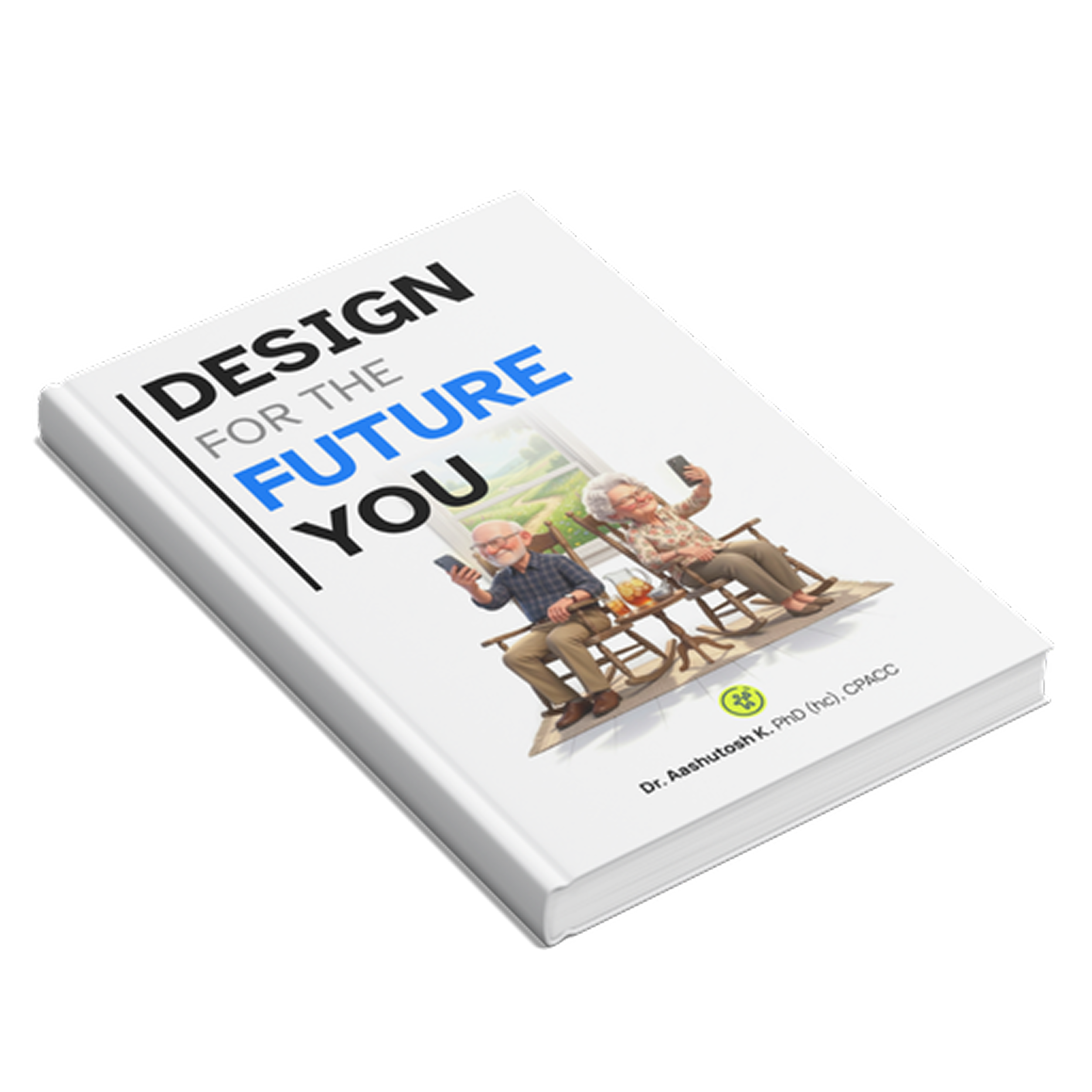
Design for the Future You — upcoming book cover

Launching Soon

Design for the Future You

An exploration on how we can make mobile applications friendlier for the elderly, considering the global increase in the elderly population (65+) and increasing dependence on digital mediums to perform any real-world task — from healthcare to ordering pizza. This will be a free resource, available soon.

Available Soon

All Resources

  • EAA Accessibility Impact Sizer

    Impact sizing means estimating the size of the crater the task is going to make. Measured in terms of money made or lost, this is a necessity at the dawn of EAA.

    This bundle gives you the theory of calculating the impact of inaccessibility when EAA is on the horizon. The website also has an embedded tool to help you calculate the lost revenue due to either untapped market or due to fines and legal fees.

    Buy on Gumroad
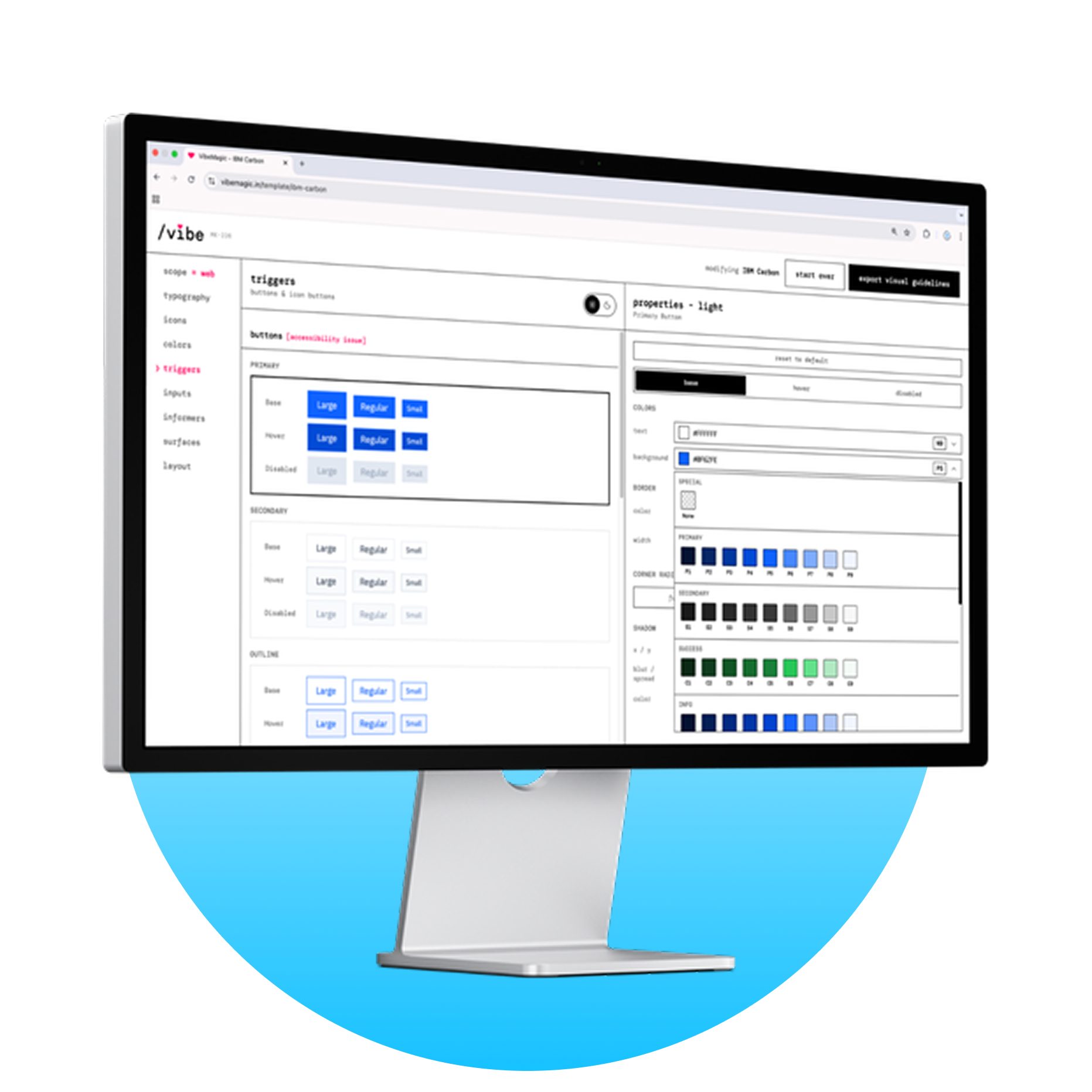
  • VibeMagic — design system to AI skill converter

    VibeMagic

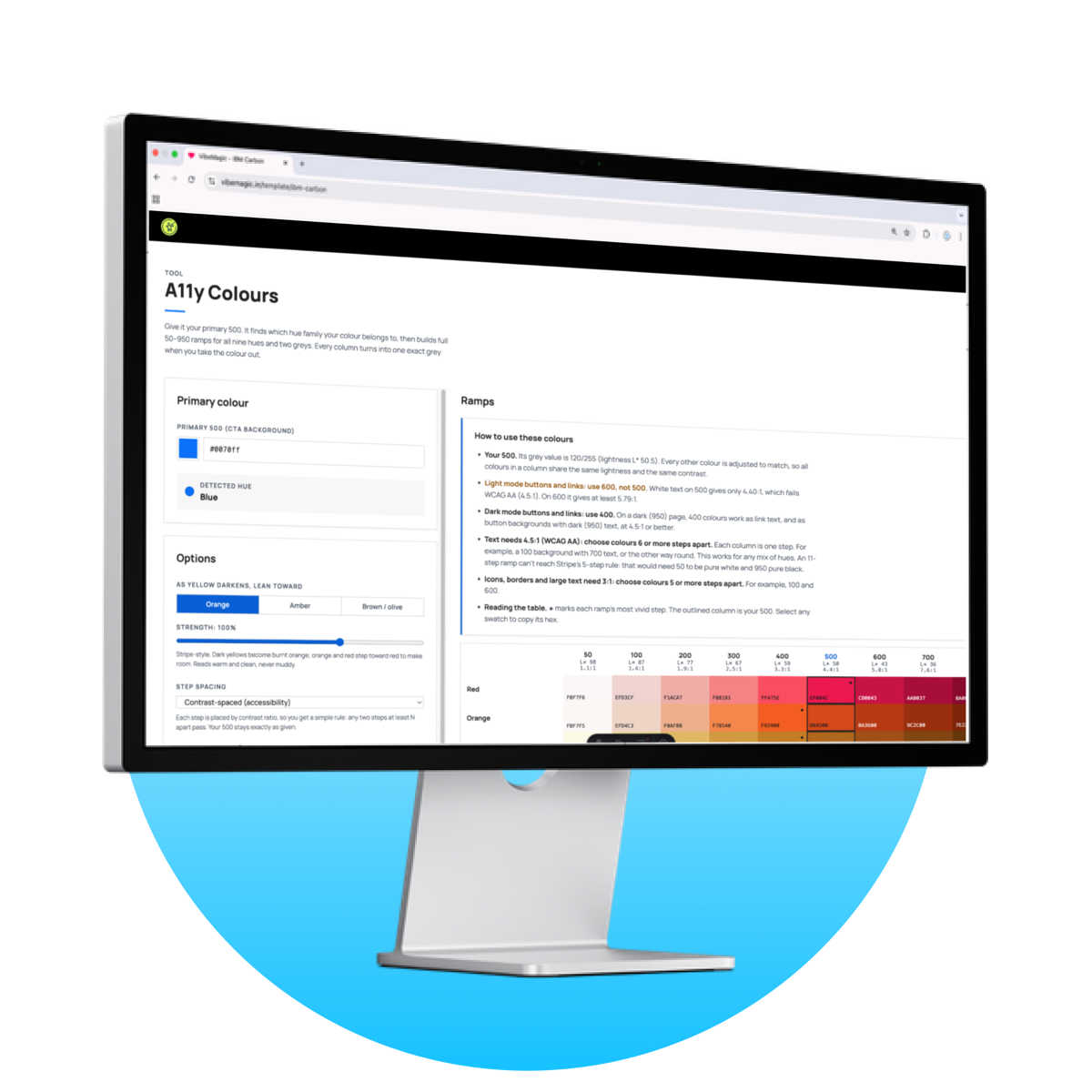
    The traditional design systems are not built for AI to consume — they are built for humans. But those gaps can be addressed through "AI-Skills". To ensure that the design system is followed, I created Vibemagic, a simple design system to skill converter. The tool converts your design system into an instruction file, which ensures that the elements created always follow your design system.

    As a bonus, the instruction file also makes the AI agent add accessibility labels and check contrast ratios.

    It's Free
  • WCAG 2.2 — Designers' Handbook — Pro

    A study found out that when the team considered accessibility right from the design stage, they saw a 67% drop in compliance issues found during testing.

    This document covers the basics, and guides designers about "what needs to be done". The WCAG 2.2 database is filterable based on compliance levels and the disabilities they cater to. This way, instead of waiting for an auditor to find issues in the application, the designers can take a more proactive approach to tackle accessibility issues.

    Includes

    • Simplified WCAG
    • Implementation plan
    • Practical guidelines
    • Team wise responsibilities
    • Component wise criteria
    Go to resource
  • Mobile Accessibility Rituals

    This book aims to simplify accessibility in mobile apps, addressing the overwhelming WCAG standards. It shares my experiences enhancing app accessibility and offers straightforward rituals for teams to follow, ensuring usability with technologies like TalkBack and VoiceOver. The focus is on practical methods rather than intricate details, akin to a doctor's advice: "Take these tablets twice a day and drink hot tea!"

    Written for Designers, Product Managers, Design System teams, UI engineers, Marketing teams and Product owners.

    Buy on Amazon
  • SUC Score — A11y Talks webinar cover

    SUC Score: A New Way to Measure Inaccessibility

    Hosted by A11y Talks, this webinar explores a new way to measure an app's accessibility on a Suboptimal Usability and Comprehension score framework. It is time to put a twist on boring audits, by letting the creators know how much their app sucks for people with disabilities.

    Watch on YouTube
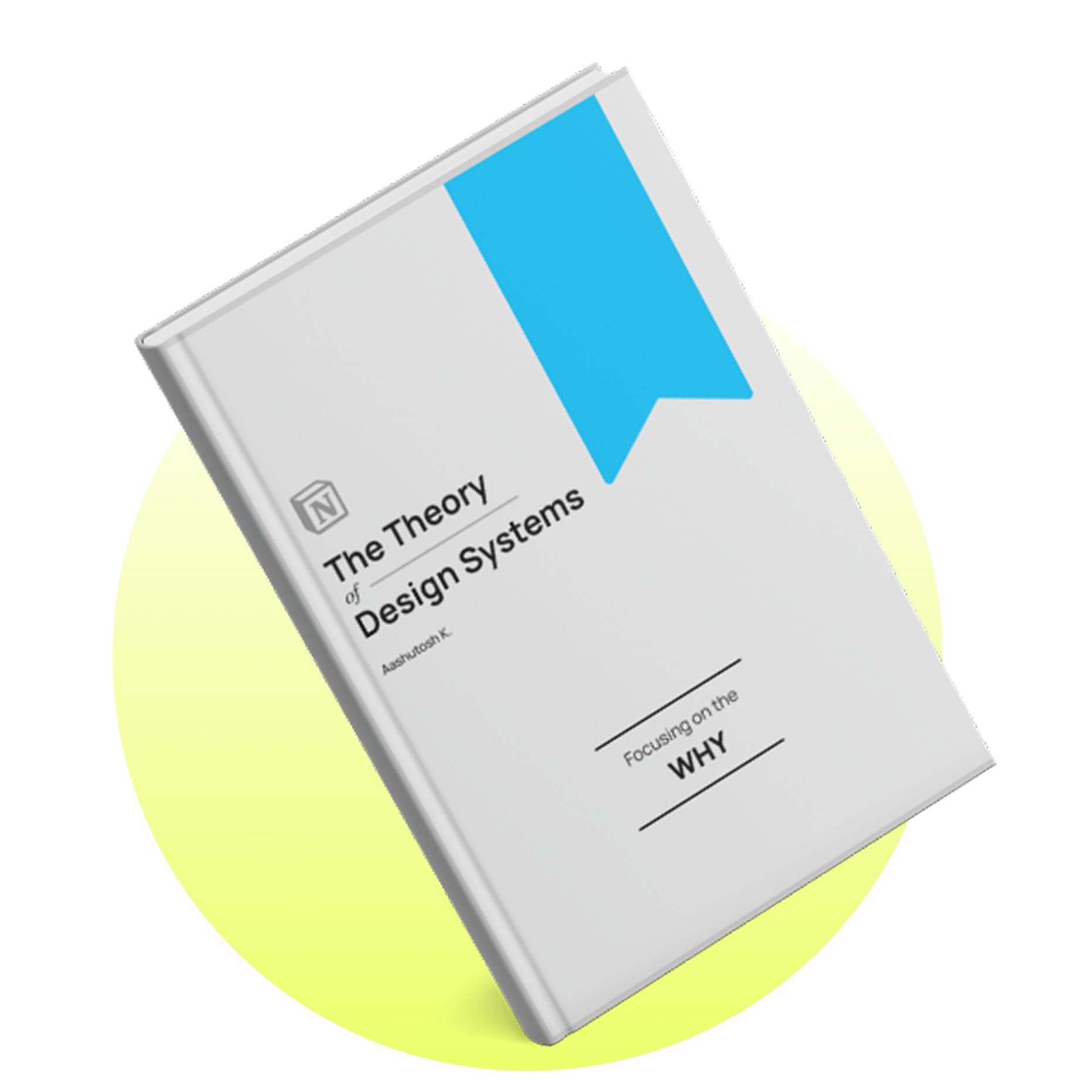
  • The Theory of Design Systems book cover

    The Theory of Design Systems

    A collection of all the answers you need to get BEFORE you can start building your own design system in your organisation. This Notion document focuses on the "WHY" aspects of the design system rather than the "HOW" to build one.

    This publication covers details about setting up the design system, managing the launches, setting up KPIs as well as cases where one should not build a design system!

    Buy on Gumroad
  • WCAG 2.2 Designers' Handbook Lite book cover

    WCAG 2.2 — Designers' Handbook — Lite

    A study found out that when the team considered accessibility right from the design stage, they saw a 67% drop in compliance issues found during testing.

    This document covers the basics, and guides designers about "what needs to be done". The WCAG 2.2 database is filterable based on compliance levels and the disabilities they cater to. This way, instead of waiting for an auditor to find issues in the application, the designers can take a more proactive approach to tackle accessibility issues.

    Request a free copy

Podcast and Writing