The problem
Most palette generators hand you eleven shades of your brand colour and leave the hard part to you: which of these can I actually put text on? You end up checking pairs one at a time in a contrast checker, and checking again every time a colour changes.
One rule for the whole palette
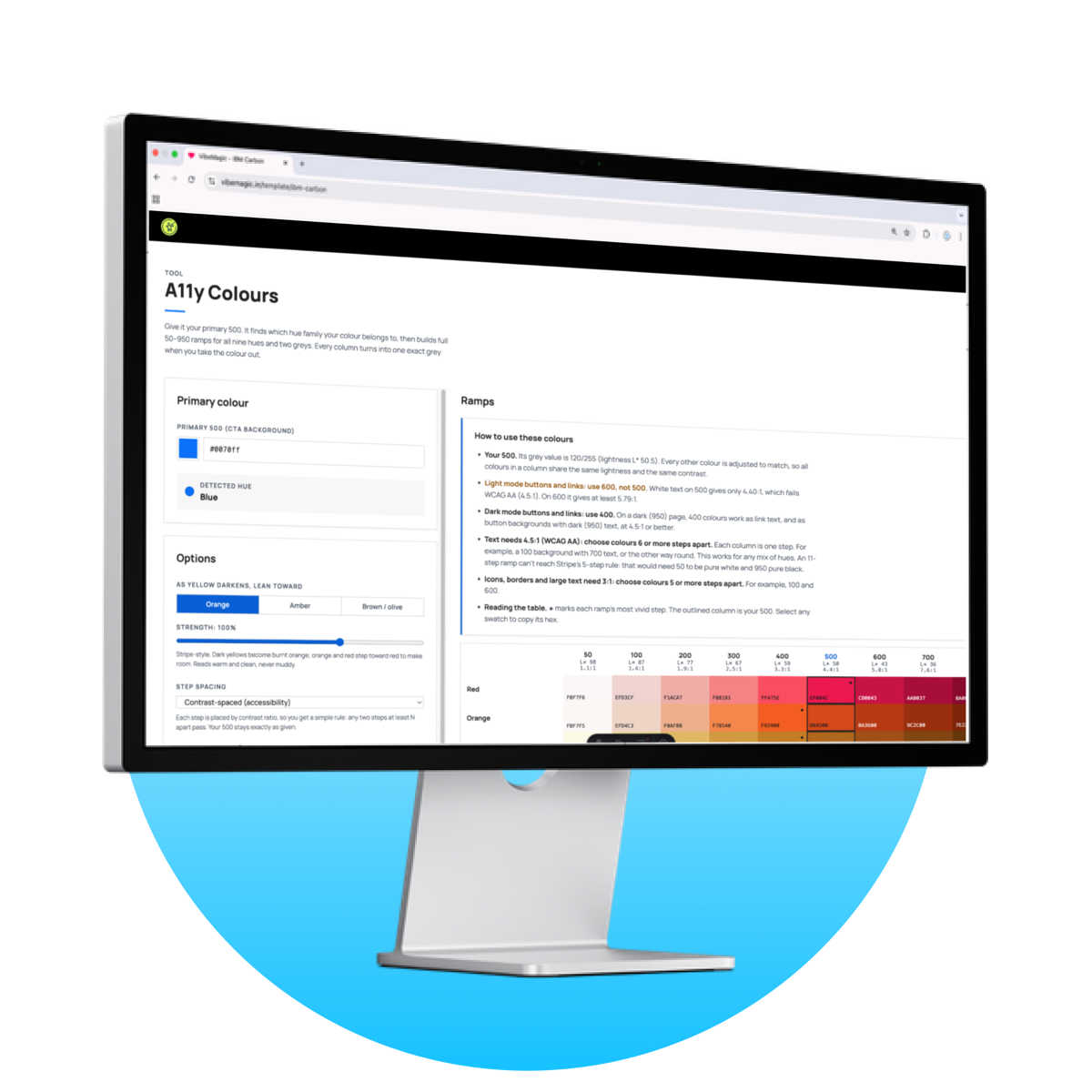
A11y Colours works the other way round. You enter your primary colour (the one on your main button) and it builds 50–950 ramps for nine hues and two greys, all lined up so that every colour in a column has exactly the same lightness. Blue-600, red-600 and green-600 all turn into the same grey when you take the colour out.
That gives you one rule for the whole palette. The tool tells you how many steps apart two colours need to be to pass 4.5:1 for text and 3:1 for icons, and that rule holds for any pair of hues. No more checking pairs.
What you get
- Ramps for red, orange, yellow, green, cyan, blue, purple, magenta and pink, plus a tinted grey and a neutral grey
- 11 steps per ramp (50 to 950), with your colour kept exactly as you gave it at step 500
- Steps spaced by WCAG contrast ratio, not by eye
- Plain instructions for your palette: which step to use for buttons and links in light mode and in dark mode, and how many steps apart colours must be for text and for icons
- A desaturated view, so you can see the columns really are the same grey
- Control over yellow: dark yellow is really brown, so you choose whether it leans orange, amber or olive
- Export as CSS custom properties or JSON, or copy any single hex with one click
- A ready-made design.md: light and dark mode rules for buttons, links, tags, alerts and text, checked against every hue, ready to hand to your AI builder
Who it's for
Designers and design system teams who are setting up or repairing a colour system, and want contrast decided by the structure of the palette instead of by a review at the end.
How it works
It runs in your browser. There is nothing to install, and your colours never leave your device.
-
Buy it on Gumroad
Use an email address you can open. That address is what unlocks the tool.
-
Sign in with that email
There is no password or licence key. We email you an 8-character code; enter it and you are in for 7 days, on any device.
-
Enter your primary colour
Use the colour of your main button. The palette, the usage rules and the exports all update as you type.
What it does not do
It gives you a palette where contrast is predictable. It does not audit your product. You still need to use the right steps together, and contrast is only one part of accessible colour.